Structured CSV input
Read name, email and amount columns, including quoted fields, embedded commas and line breaks.
Messy input. A result you can trust.
Clean Sheet is a browser-based data cleanup workspace. Validate a small CSV, normalize its values, remove exact duplicates, inspect rejected rows and download the cleaned result.
Interactive sample · Fictional data · Demo limits explained below
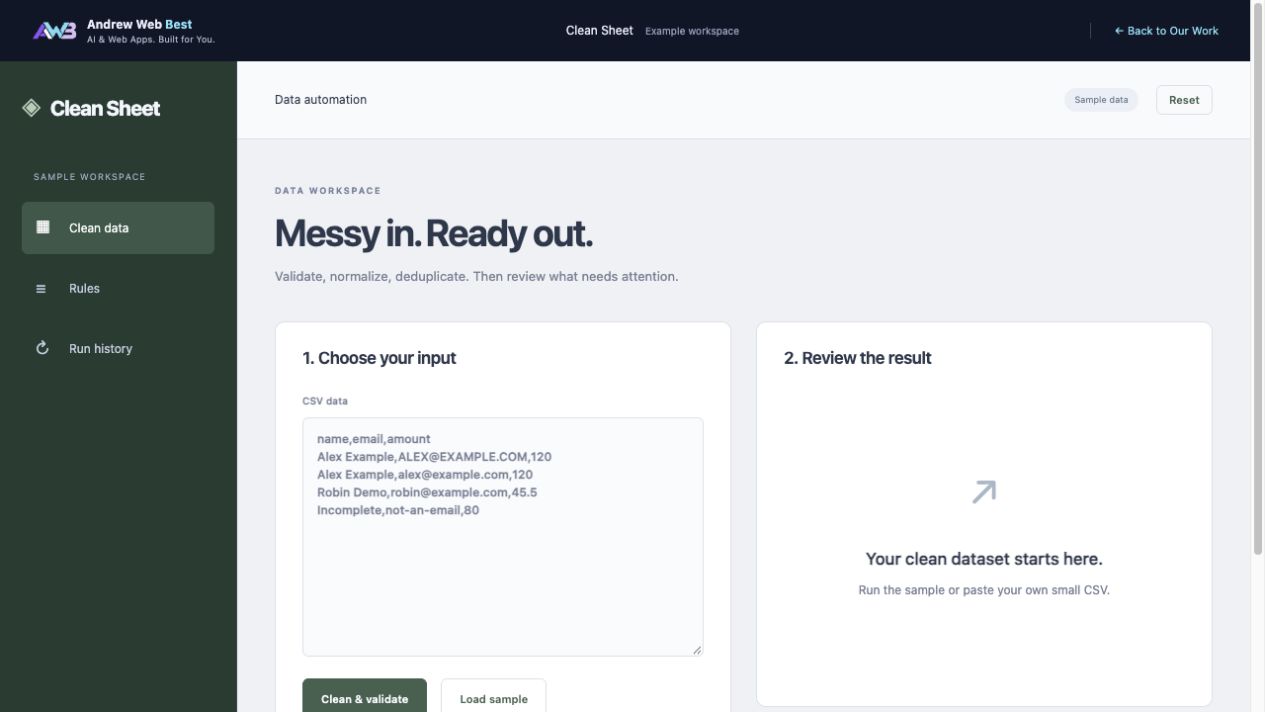
A spreadsheet import is only useful when the team knows which rows passed, which were rejected and why. This example makes the cleanup rules visible before the output is exported.
Operations teams that clean recurring CSV exports or prepare data for another system.
The cleanup is real browser logic, with a small and explicit input schema.
Read name, email and amount columns, including quoted fields, embedded commas and line breaks.
Normalize emails and amounts, remove exact duplicates and explain rows that need attention.
Download the cleaned CSV. Text fields are quoted and spreadsheet formula inputs are neutralized.
Start with valid, duplicate and incomplete sample rows.
Validate required fields and normalize their values.
Inspect rejected records instead of silently losing them.
Export the clean rows as a CSV file.
Start with these tasks. You can explore the application at your own pace.
Run the sample and compare valid, duplicate and rejected counts.
Change an email or amount to see how validation responds.
Download the cleaned CSV and inspect its contents.
Bring a sample export with private records removed. We can discuss your actual schema, validation rules, destinations and schedule. Contact us to discuss the scope and arrange a demonstration for your workflow.
Explore 40 service areas and their project briefs. Work is delivered remotely; in-person meetings are agreed individually.