

Internal tools and operations desks
Manage records, assignments, statuses, notes, and approvals in one workspace, with the information each role needs.
Create internal tools, dashboards, customer portals, and custom web applications.
Discuss this project ↗Make complex work easier to navigate with the right screens, data, and interactions. Start with a prototype, then develop the application around the people who use it.
JavaScript, TypeScript, APIs, and the frontend and backend tools that fit the application.
Define the tasks, roles, and states the application needs to support.
Test navigation and interactions before the full build.
Implement the interface, business logic, and required system connections.
Check key scenarios and prepare deployment and maintenance guidance.
A web application should make a real task easier: plan a budget, manage jobs, review a queue, or give customers a clear view of their information. We start with those tasks, then design the screens, rules, and data behind them. A working prototype helps test the direction before investing in the full application.
Manage records, assignments, statuses, notes, and approvals in one workspace, with the information each role needs.
Let people see their projects, submit information, track progress, or manage requests through a considered self-service experience.
Turn data into useful decisions with filters, summaries, editing flows, and clear relationships between the underlying records.
We agree a focused scope, make the work visible, and test the important scenarios together.
Map the core tasks, permissions, data, and changes a record can go through. Identify the smallest useful first release.
Test navigation, forms, and important flows using representative sample data, then refine the product with your feedback.
Implement the agreed business logic, storage, access controls, and API integrations around the chosen architecture.
Check important journeys and failure states, document the setup, and agree deployment, monitoring, and future maintenance.
Yes. A focused prototype can test the screens and workflow before a backend is built. The examples in Our Work demonstrate that approach with fictional data.
Yes, where supported interfaces and permissions allow it. We assess the APIs, data ownership, and synchronization requirements early so the scope is realistic.
We prioritize the tasks that make the product useful, then separate essentials from later improvements. You get an agreed scope, visible progress, and a clear basis for the next release.
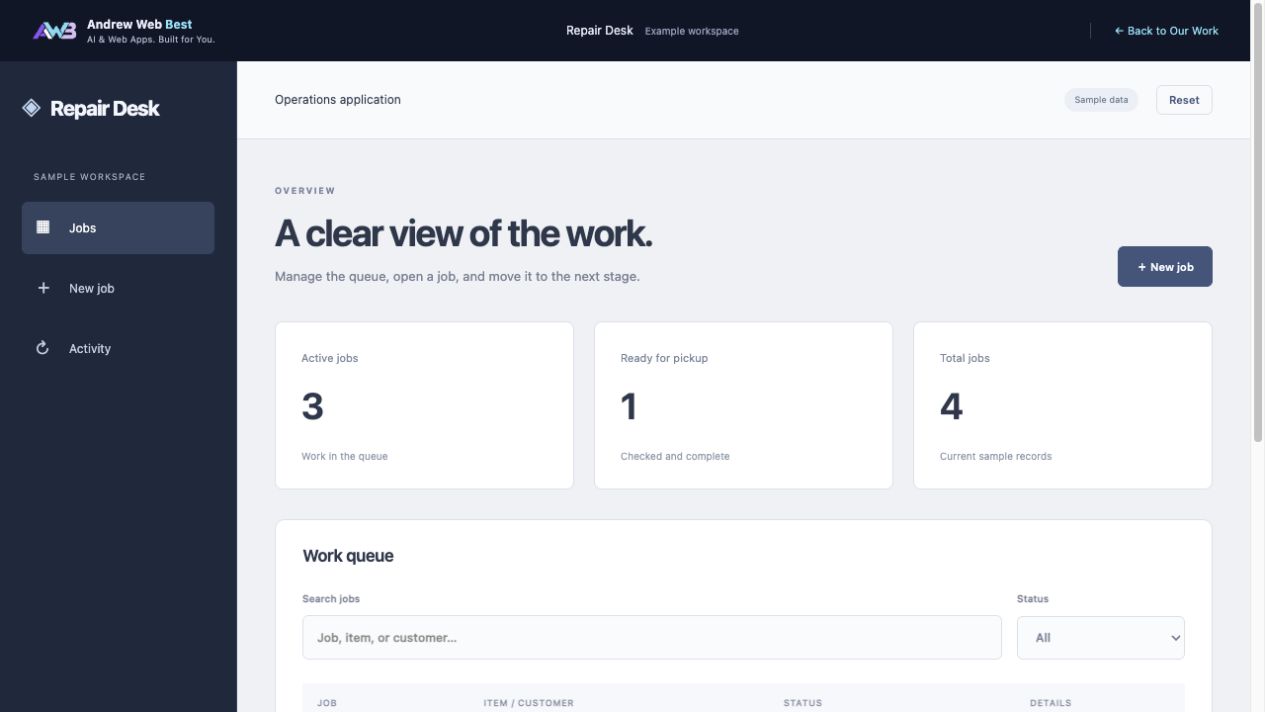
Manage jobs, inspect records, update statuses, add notes, and create new work orders.
Explore the app ↗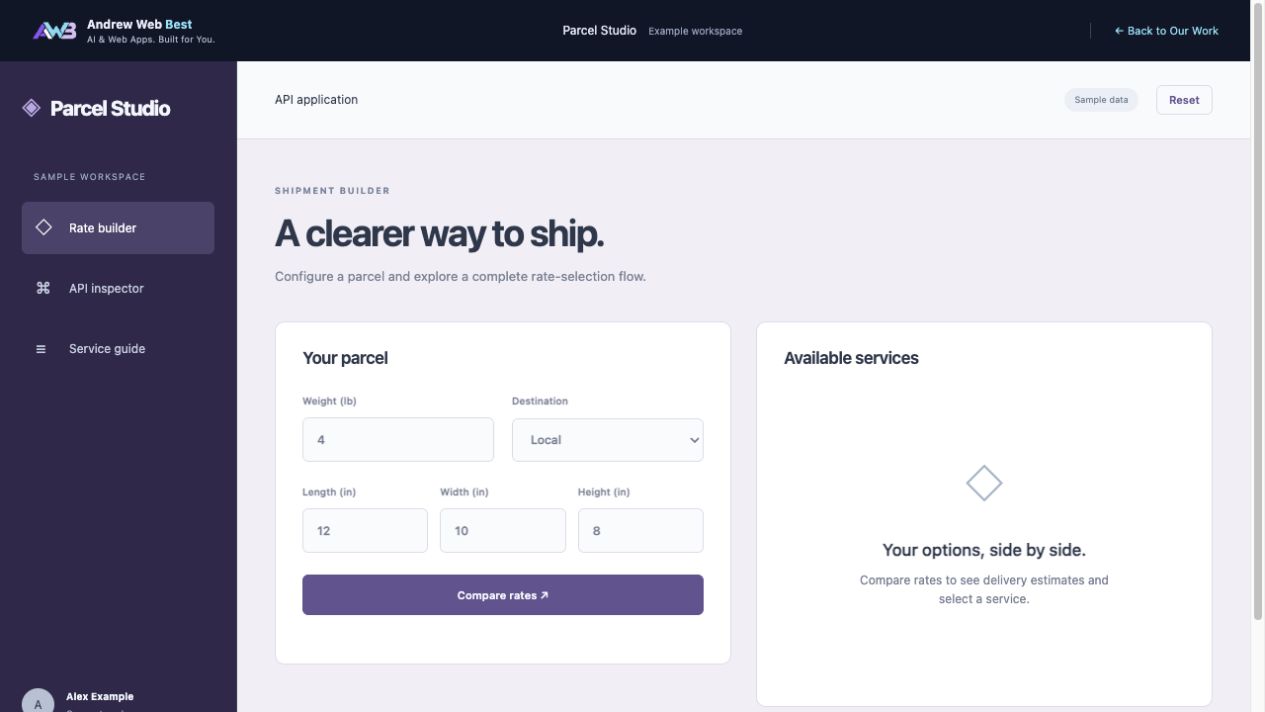
Configure shipments, compare simulated service rates, and inspect structured API output.
Explore the app ↗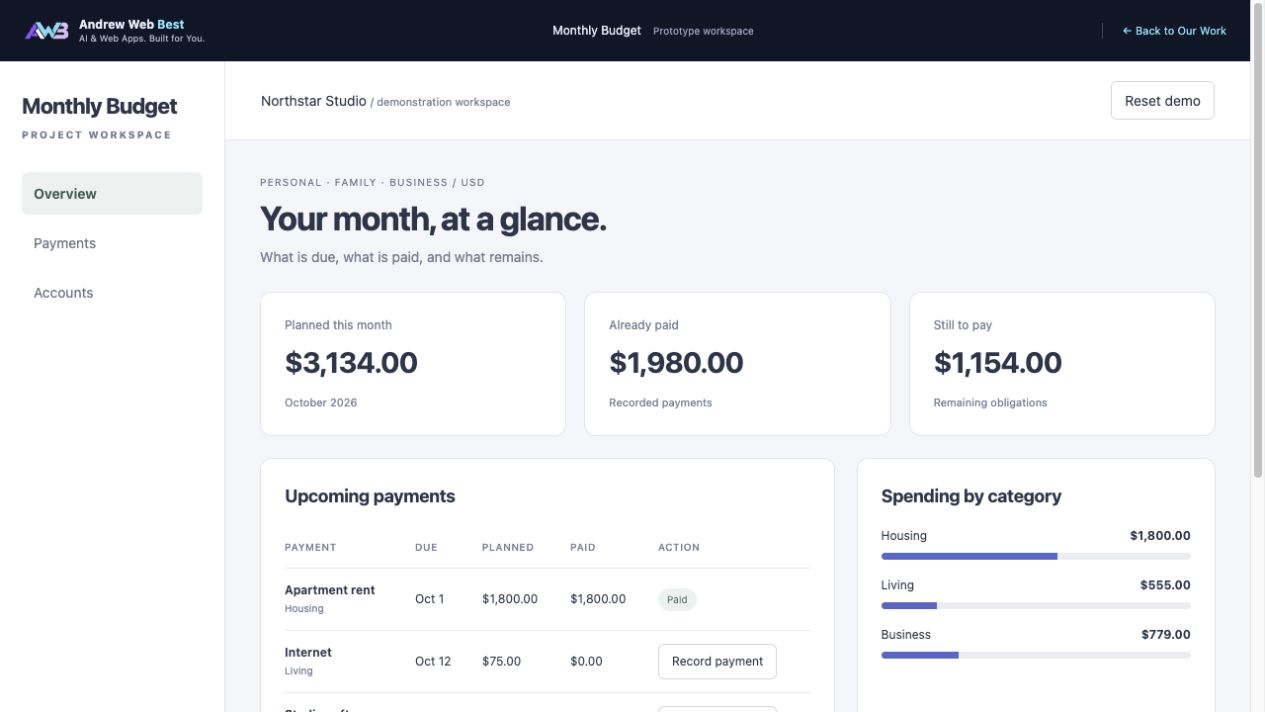
Plan expenses, record payments and inspect account balances. A static adaptation of the Ideas budget project.
Explore the app ↗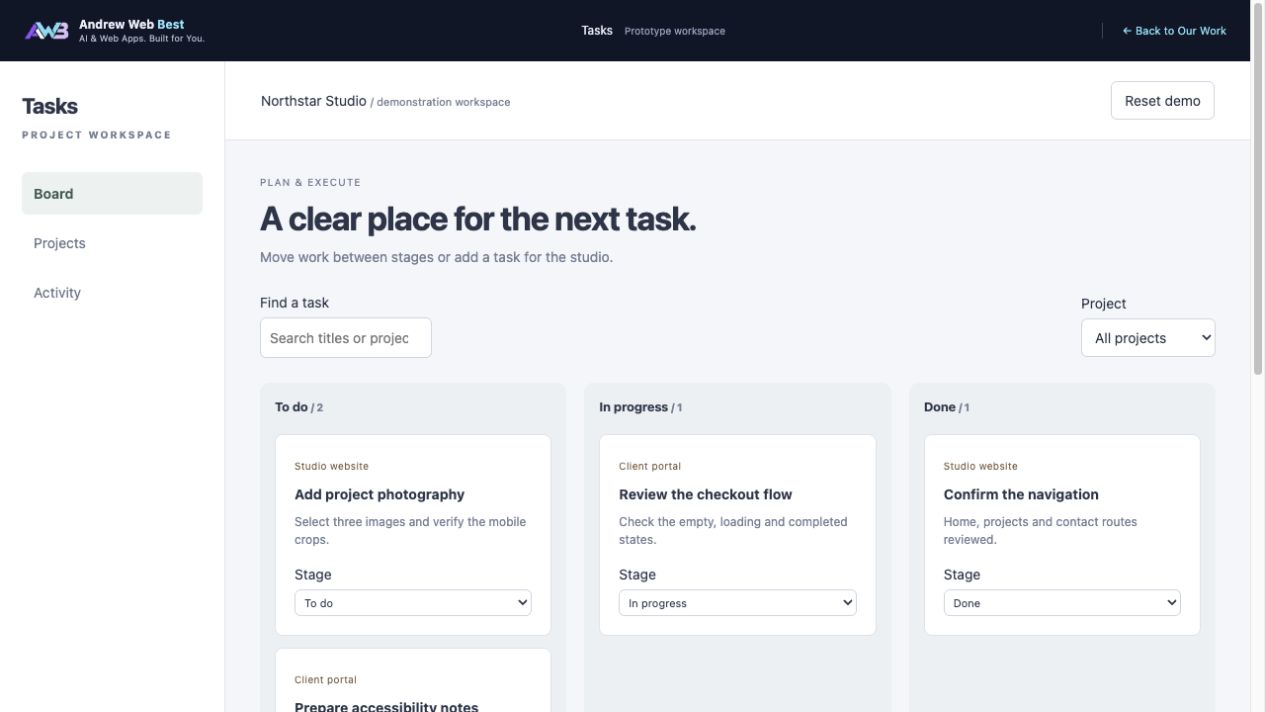
Create tasks, move them through the board and inspect project progress. Adapted from Ideas.
Explore the app ↗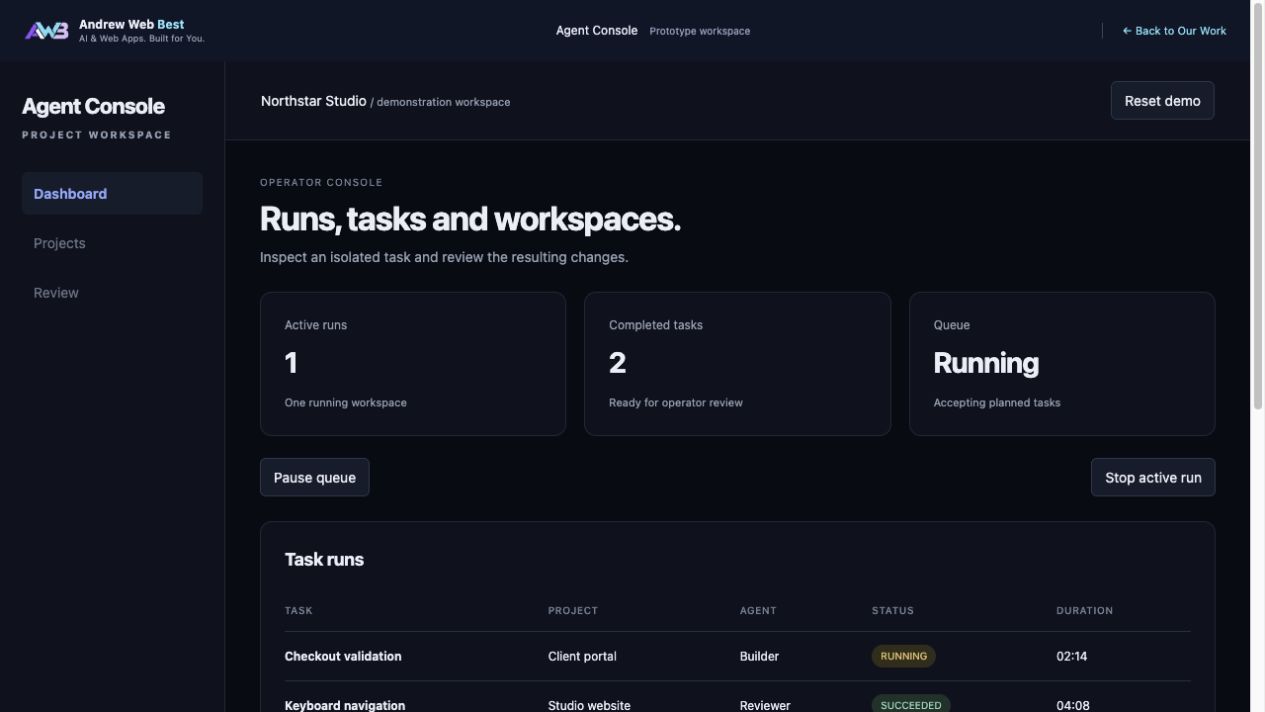
Inspect task runs, pause the queue and review code changes. A static showcase of the Agent Console project.
Explore the app ↗Plan a campaign, edit platform posts, complete tasks and review fictional results in a working social media workspace.
Explore the app ↗Manage stock, inspect products and try a voice workflow that matches items, validates changes and updates a fictional inventory.
Explore the app ↗A new product, a better workflow, or an idea worth testing.