

An inventory you can inspect
Search products, SKUs and notes. Filter by category, location or stock status, sort values and export the current view.
Your inventory. One conversation away.
Inventory Manager brings products, stock levels, shelves and notes into a clear workspace. Its voice module demonstrates how a few words can become a checked, instant inventory update.
Interactive sample · Fictional data · Demo limits explained below
Receiving a delivery or checking a shelf should not mean remembering changes until later. Stockroom combines an editable inventory table with a voice workflow that matches the right record and validates a change against existing data.
Resellers, stock rooms, repair businesses and teams that manage physical products.
A detailed inventory, with a voice workflow you can test.
Search products, SKUs and notes. Filter by category, location or stock status, sort values and export the current view.
Inspect quantity, reservations, costs, prices, condition and restock thresholds. Add an item or edit its details.
Receive or sell stock, move an item, append a note or update a price. Resolve ambiguous names and undo the last voice update.
Review shelf totals, restock alerts and a log of sample changes as the inventory updates.
At the shelf on a phone, or at your desk.
Try receiving, selling, moving or noting an item.
Match the product and validate stock, reservations and location.
The table, totals and activity update together.
The proposed connected version would let ChatGPT interpret a spoken request with relevant inventory context. The application would then validate the structured action before saving. This prototype demonstrates matching, validation and immediate updates with local sample commands.
Receive 5 USB-C docks.
Move Ridge 24 monitors to Shelf B3.
Add a note to Orbit webcams: tested with the new cable.
In this demo, use the sample command buttons or type a supported command. Ambiguous matches require an exact item, and a sale cannot consume reserved stock.
Start with these tasks. You can explore the application at your own pace.
Choose Receive stock and run Check & update; the USB-C Dock quantity changes from 3 to 8.
Try an unclear request or an oversized sale to see validation in action.
Open a product, change its details, inspect the activity and export a CSV.
Tell us what stock you manage, how locations and reservations work, and which voice, AI or sales-system connections you need. Contact us to discuss the scope and arrange a demonstration for your workflow.
Explore 40 service areas and their project briefs. Work is delivered remotely; in-person meetings are agreed individually.
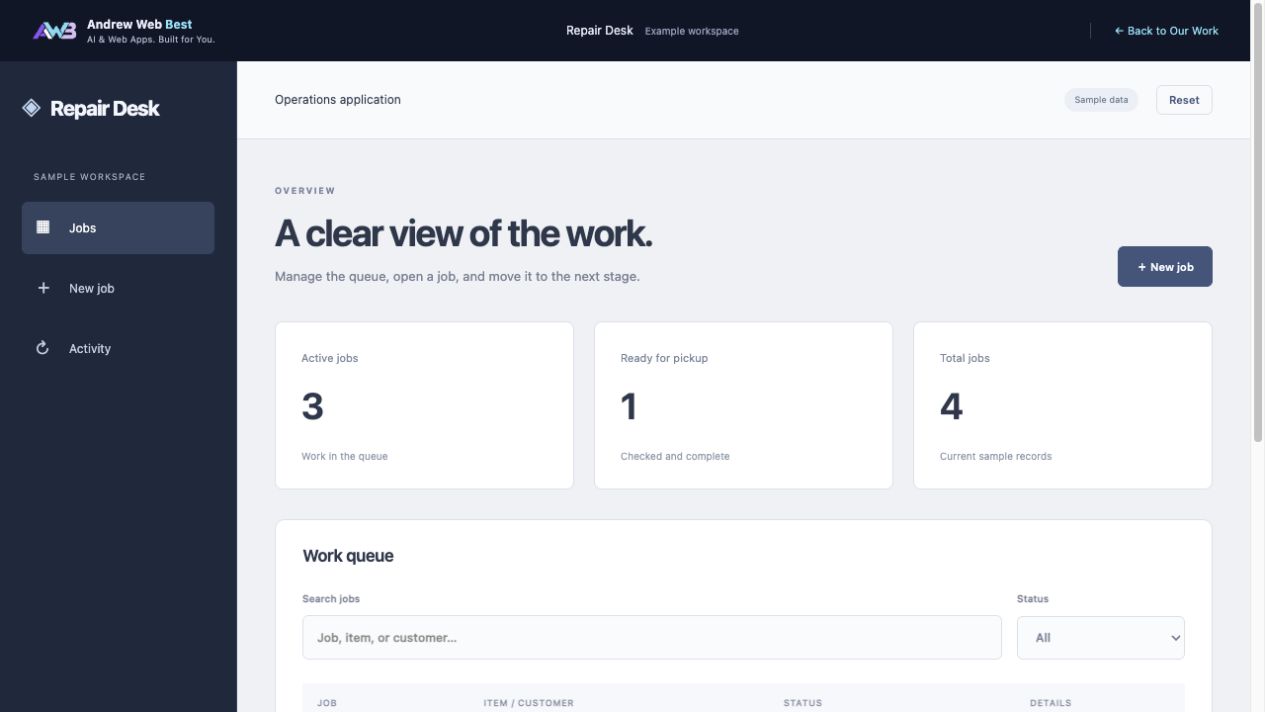
Manage jobs, inspect records, update statuses, add notes, and create new work orders.
Explore the app ↗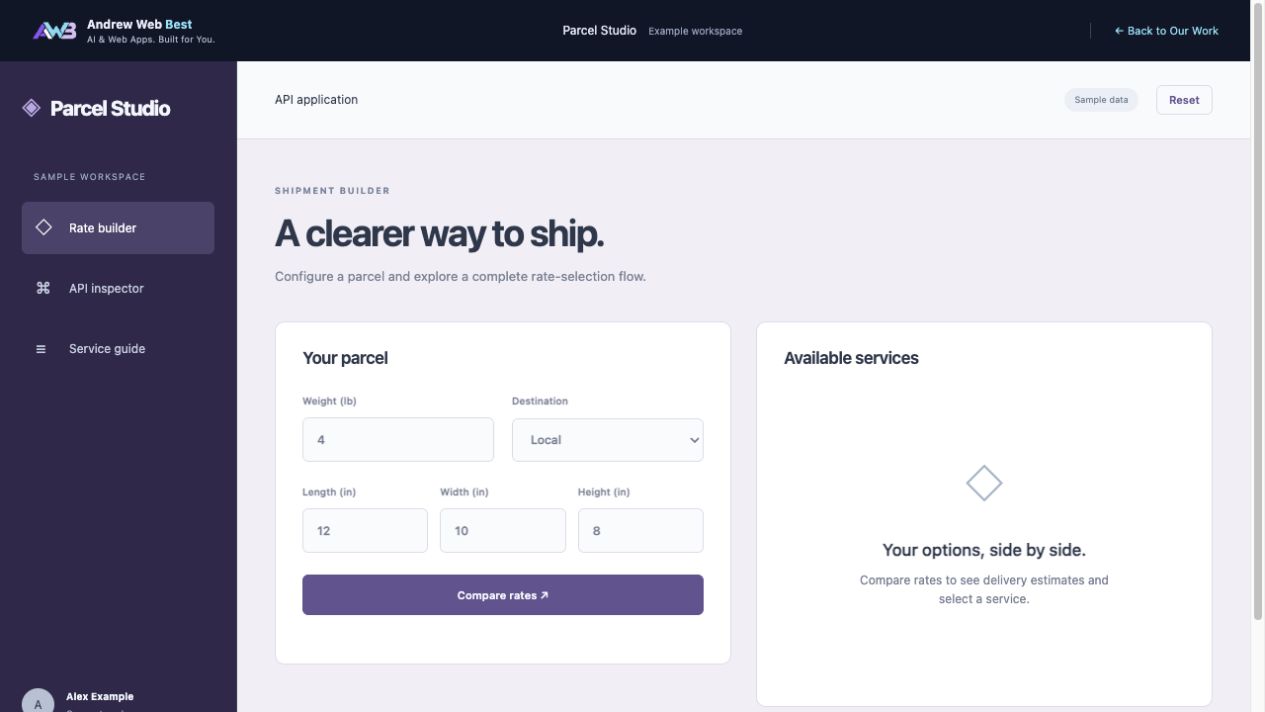
Configure shipments, compare simulated service rates, and inspect structured API output.
Explore the app ↗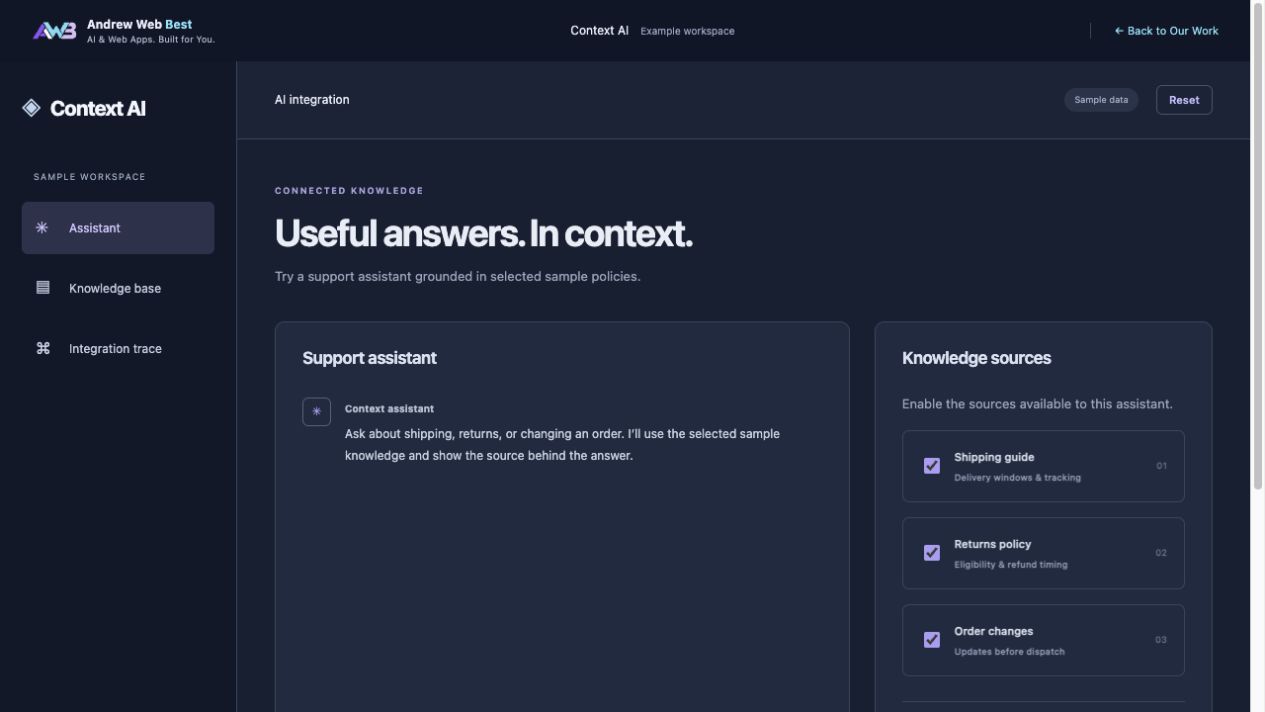
Explore a support assistant connected to sample knowledge, with cited answers and handoff behavior.
Explore the app ↗