

An understandable queue
Search jobs and filter the queue by status. See active work and items ready for pickup.
From the first request to a finished job.
Repair Desk brings job records, customer context, status changes and notes into one operations workspace. Try the complete sample journey from creating a job to marking it ready.
Interactive sample · Fictional data · Demo limits explained below
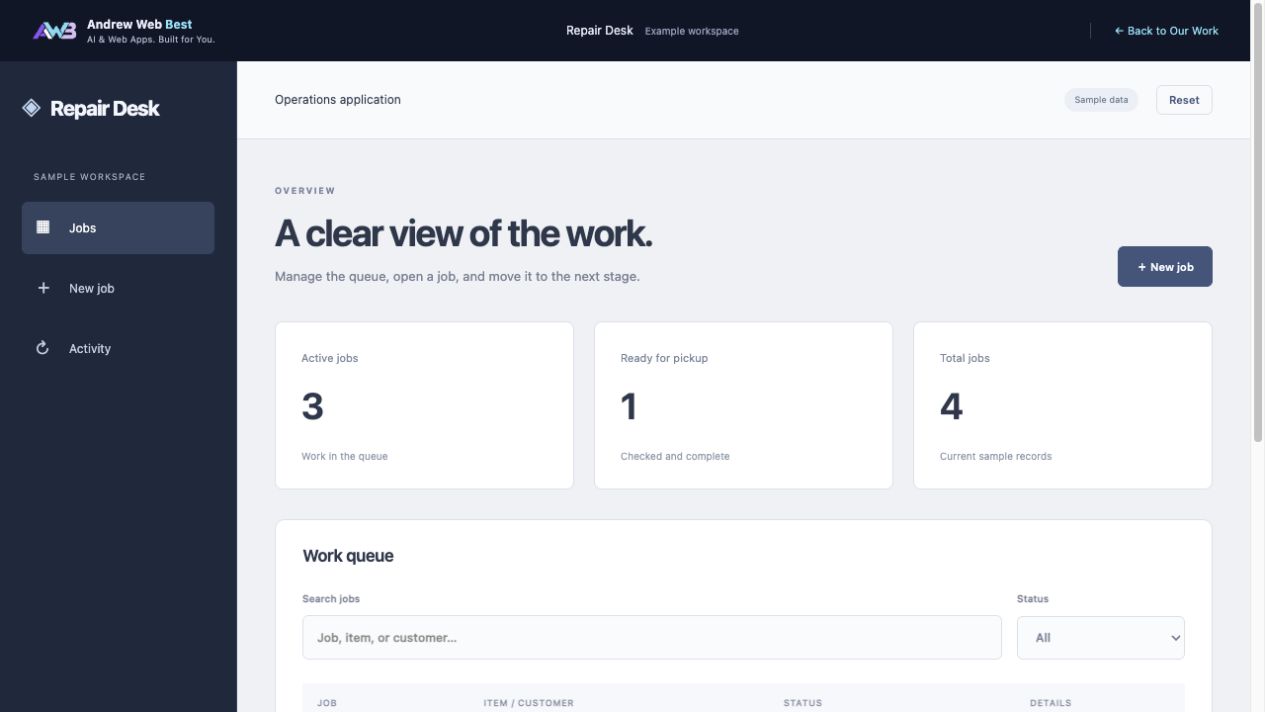
A repair queue can become hard to follow when requests, parts notes and status updates live in different places. This concept gives each job a useful record and makes the next stage visible.
Repair shops, service teams and small businesses that manage work orders.
A focused work queue with inspectable records and a visible history.
Search jobs and filter the queue by status. See active work and items ready for pickup.
Open a job, change its status and add a note with the context the next person needs.
Create a new sample work order with an item, customer name and initial note. Review the resulting activity.
Add an item, a sample customer and an initial note.
Inspect its current status and useful details.
Update the status or record a new note.
Check the activity view for the changes you made.
Start with these tasks. You can explore the application at your own pace.
Search for a job and switch the status filter.
Open a record, add a note and change it to Ready.
Create a sample job and find it in the work queue.
Tell us which job stages, roles, notifications and existing systems the demonstration should support. Contact us to discuss the scope and arrange a demonstration for your workflow.
Explore 40 service areas and their project briefs. Work is delivered remotely; in-person meetings are agreed individually.
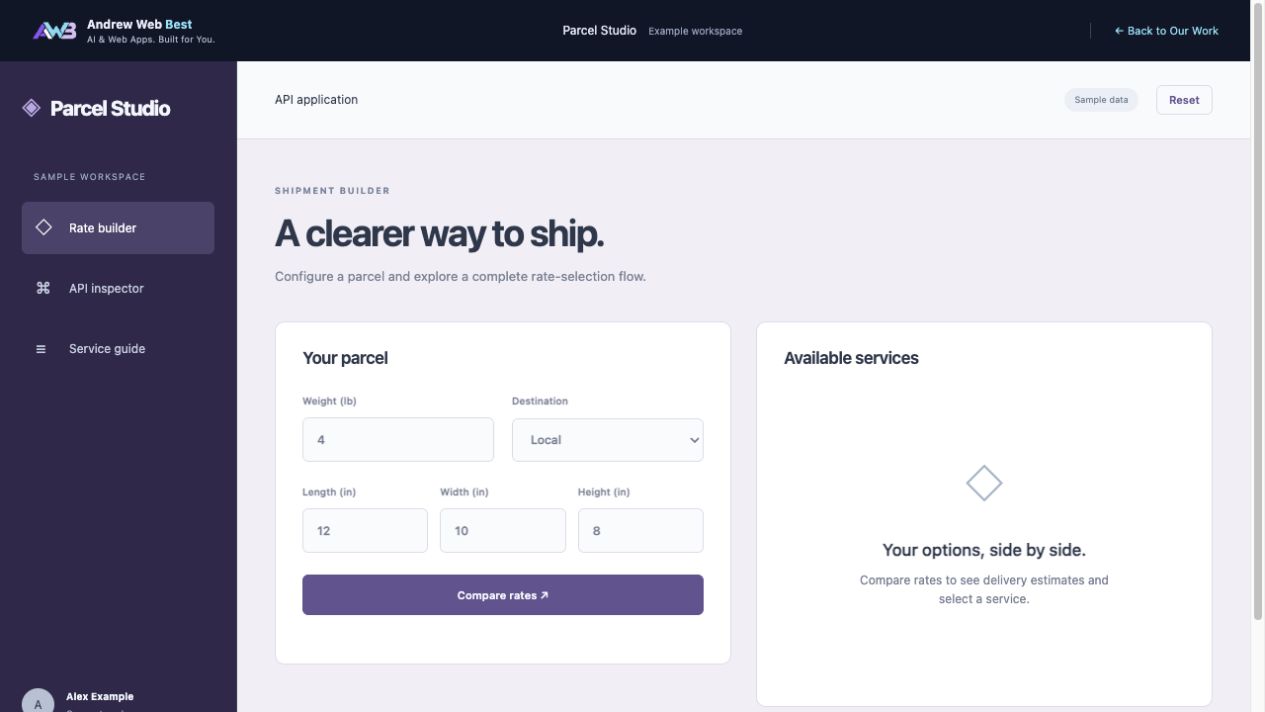
Configure shipments, compare simulated service rates, and inspect structured API output.
Explore the app ↗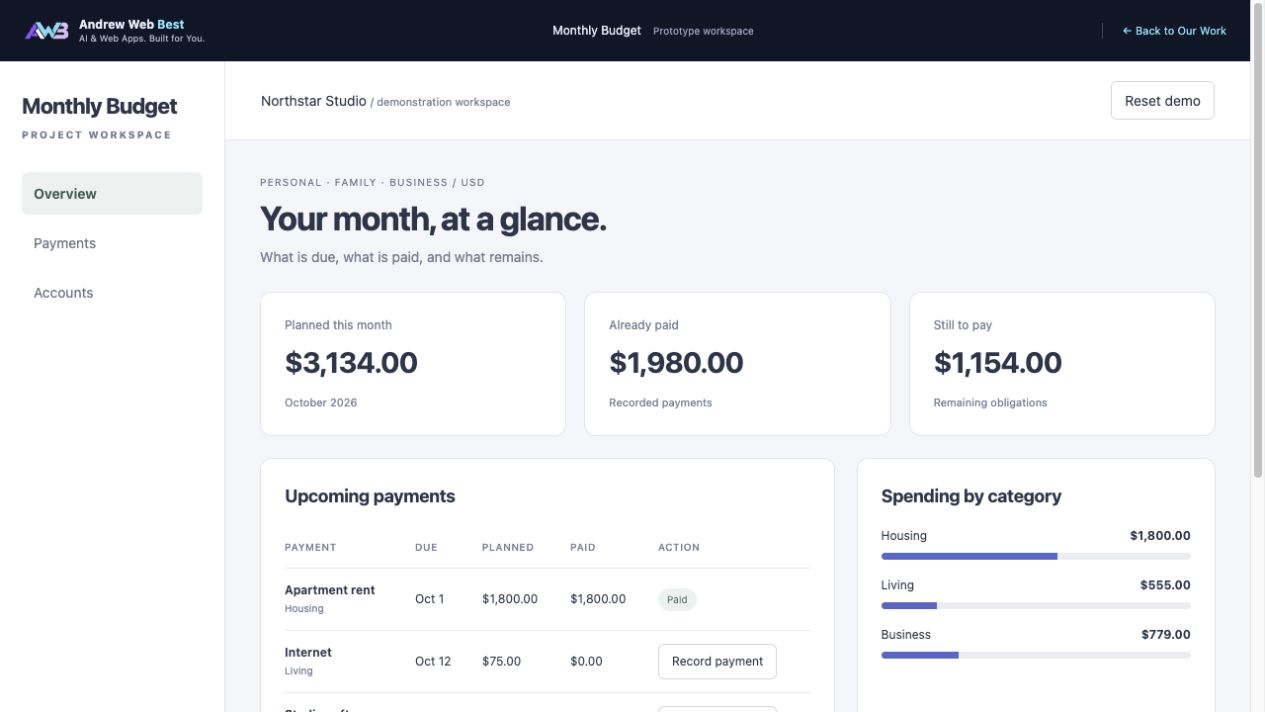
Plan expenses, record payments and inspect account balances. A static adaptation of the Ideas budget project.
Explore the app ↗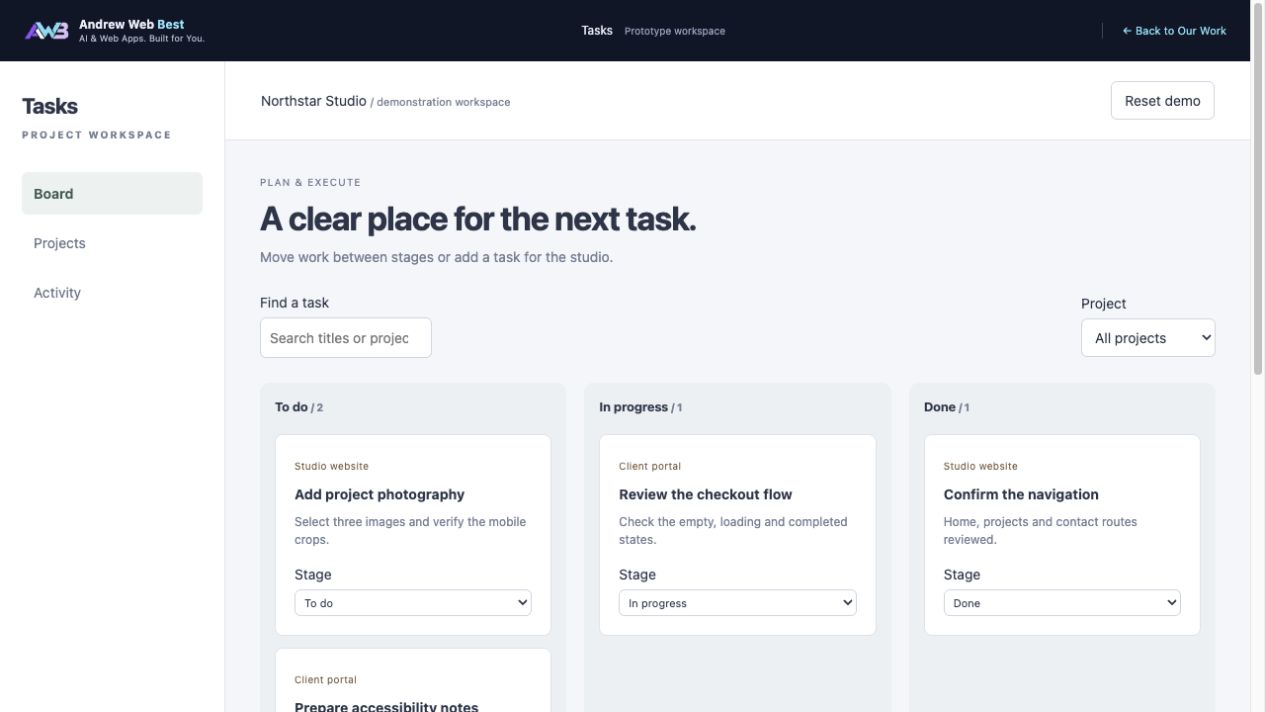
Create tasks, move them through the board and inspect project progress. Adapted from Ideas.
Explore the app ↗