

A monthly overview
See planned, paid and remaining amounts calculated from the expense records.
The monthly picture, in one place.
Monthly Budget is an editable planning workspace for sample bills and expenses. Compare planned amounts, recorded payments and remaining commitments without jumping between spreadsheets.
Interactive sample · Fictional data · Demo limits explained below
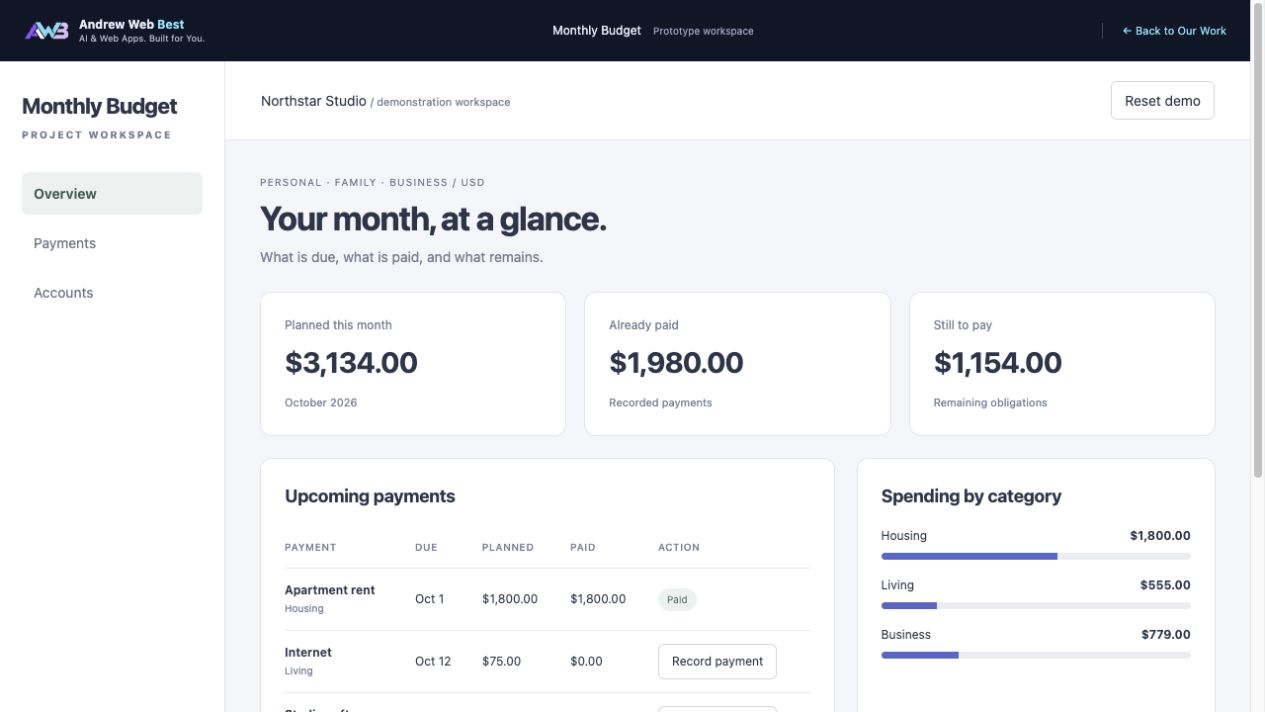
A list of expenses is easier to act on when totals and payment state are connected. This concept shows the month’s planned costs, paid amounts and category breakdown from the same sample records.
Individuals and small businesses exploring a monthly expense planning tool.
Change the sample budget and see its summary update.
See planned, paid and remaining amounts calculated from the expense records.
Record a full payment for a sample bill and review the updated totals.
Add a planned expense and compare the sample Housing, Living and Business category totals.
Inspect planned costs and remaining commitments.
Mark an unpaid sample expense as paid.
Enter its amount, category and due day.
Compare the category totals after your change.
Start with these tasks. You can explore the application at your own pace.
Record the Internet payment and compare Paid with Remaining.
Add a fictional planned expense.
Open the category view and Reset to restore the sample month.
Tell us which accounts, statement imports, payment rules and reporting views your budget needs. Contact us to discuss the scope and arrange a demonstration for your workflow.
Explore 40 service areas and their project briefs. Work is delivered remotely; in-person meetings are agreed individually.
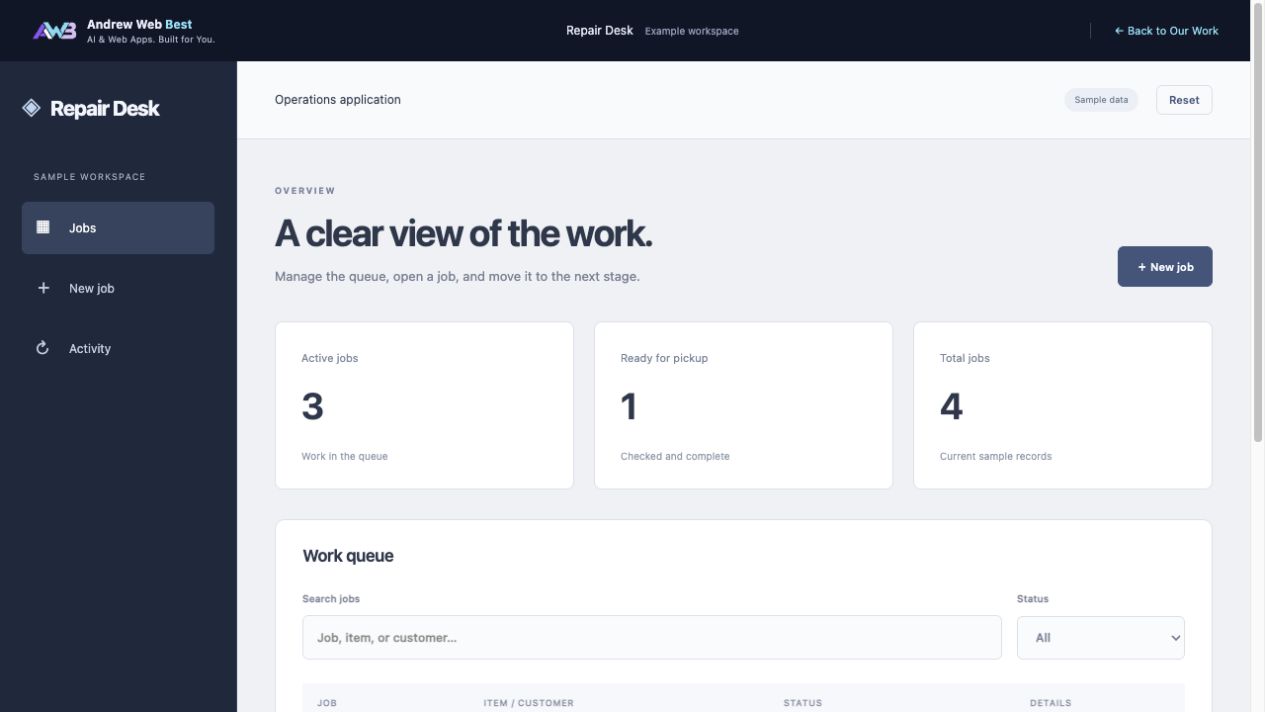
Manage jobs, inspect records, update statuses, add notes, and create new work orders.
Explore the app ↗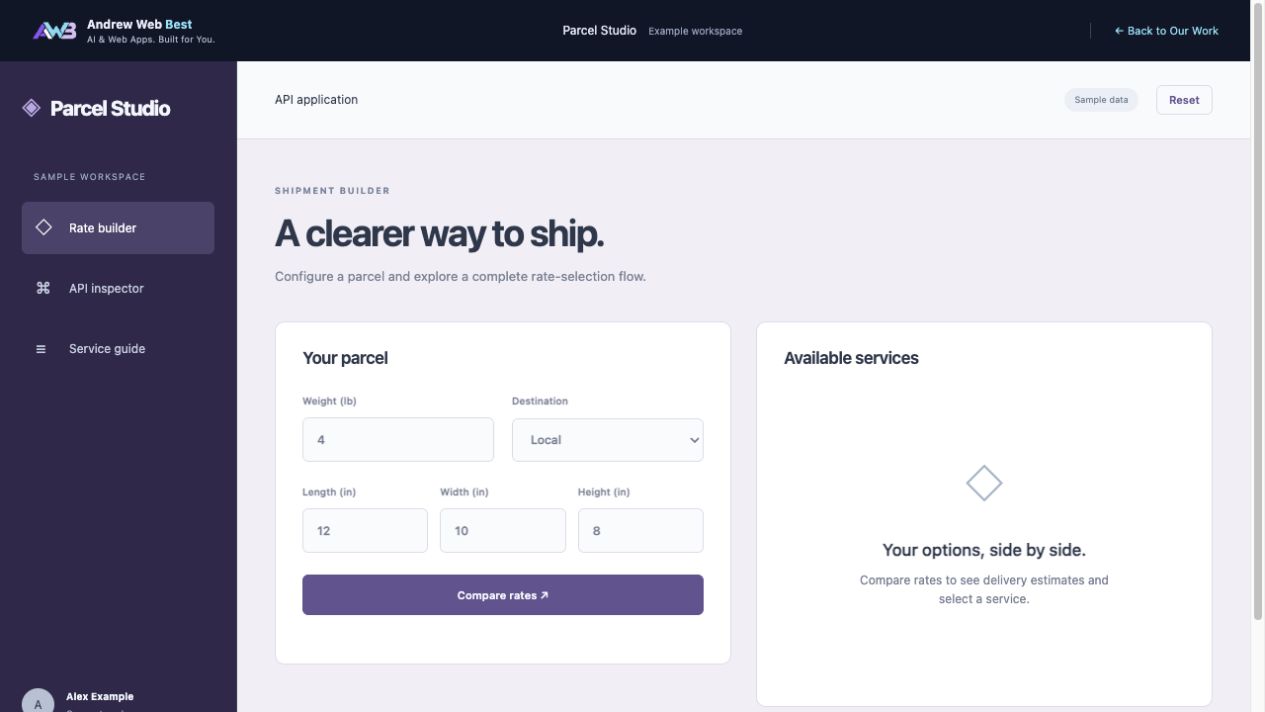
Configure shipments, compare simulated service rates, and inspect structured API output.
Explore the app ↗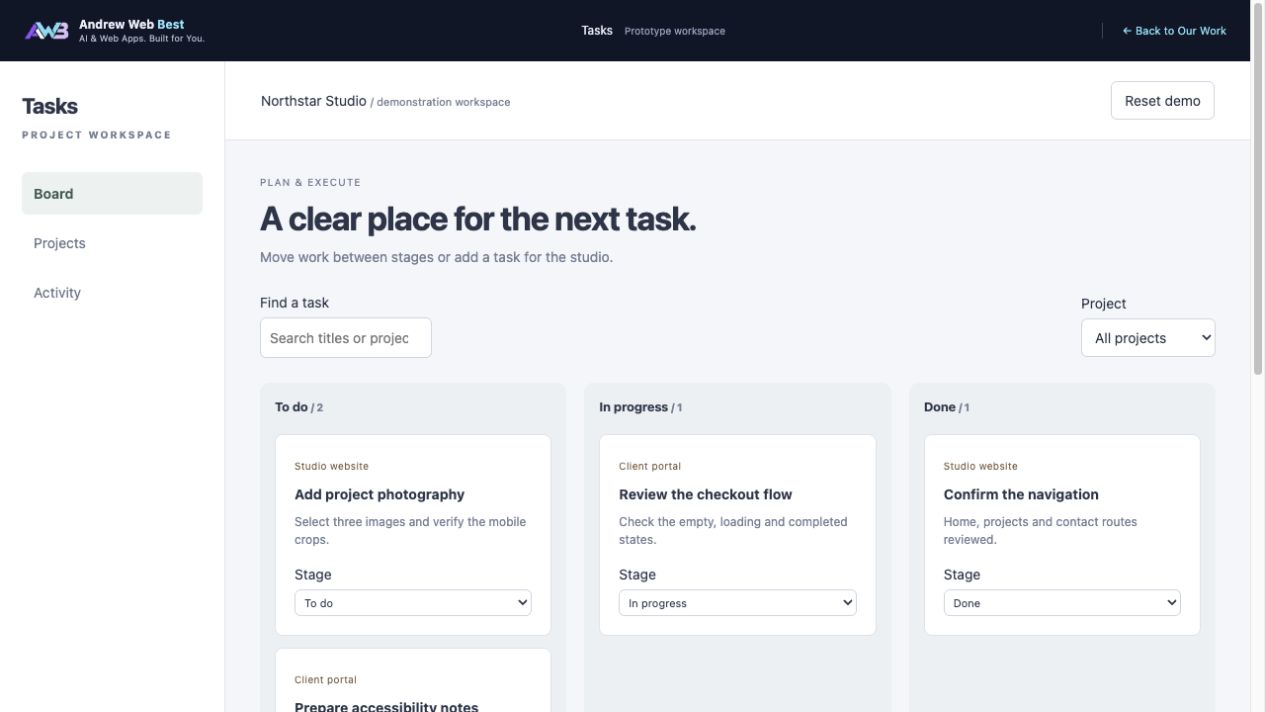
Create tasks, move them through the board and inspect project progress. Adapted from Ideas.
Explore the app ↗