

Web App Development
in Rolling Hills.
Create internal tools, dashboards, customer portals, and custom web applications.
Discuss this project ↗Turn a workflow into a useful product.
Make complex work easier to navigate with the right screens, data, and interactions. Start with a prototype, then develop the application around the people who use it.
JavaScript, TypeScript, APIs, and the frontend and backend tools that fit the application.
- ↗
User flows
Define the tasks, roles, and states the application needs to support.
- ↗
Working prototype
Test navigation and interactions before the full build.
- ↗
Application development
Implement the interface, business logic, and required system connections.
- ↗
Validation and handover
Check key scenarios and prepare deployment and maintenance guidance.
A practical direction
for Rolling Hills.
Appointment-based services and equipment kept across several work spaces
An equipment register can distinguish the storage location, person responsible and upcoming maintenance task. The first flow would register an item, assign it and record its return or service note. The brief should specify who can change ownership and how lost or incomplete records are handled.
This is an illustrative starting brief, not a claim about a completed local client project.
A better first conversation.
Share representative material with private records removed. We will identify the smallest useful scope, what needs to connect, and what remains a human decision.
- 01One representative request with private details removed
- 02The current spreadsheet, form or source document
- 03Your decision owner, review steps and required connections
See the interaction
before the brief.
Concept projects and sample data. Open the full website or application and return here when you are ready.
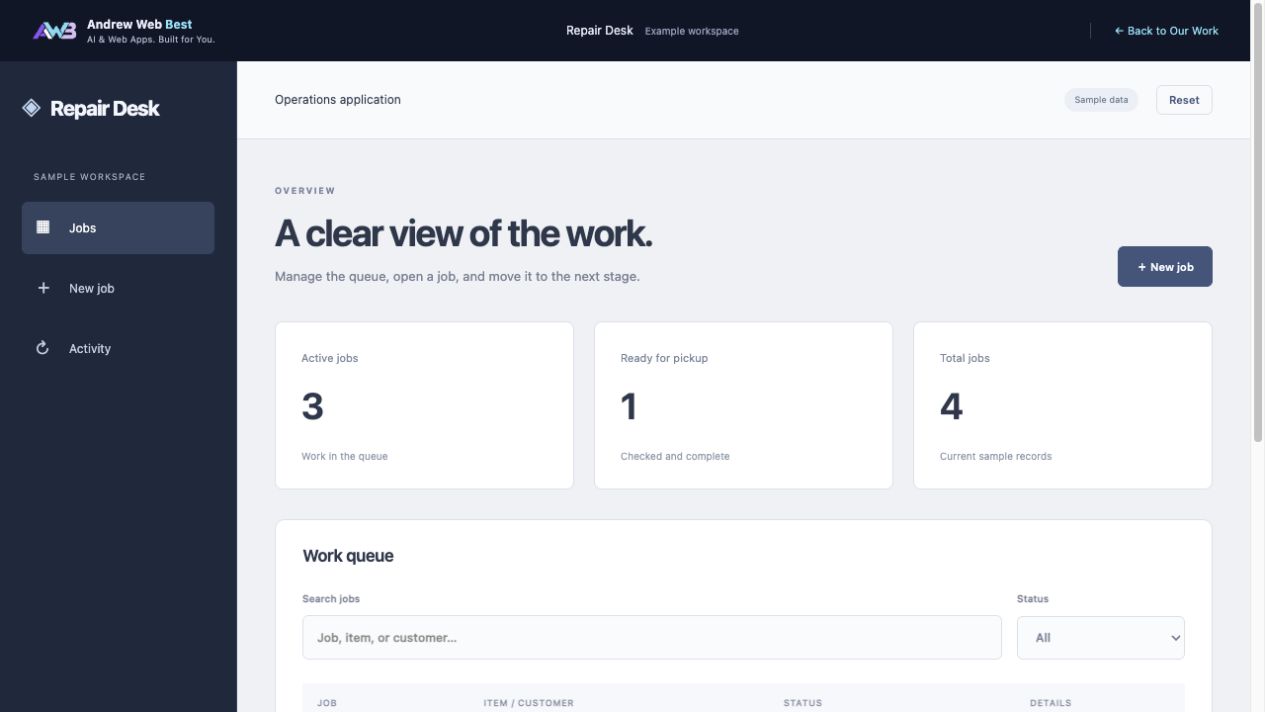
Repair Desk
Manage jobs, inspect records, update statuses, add notes, and create new work orders.
Explore the app ↗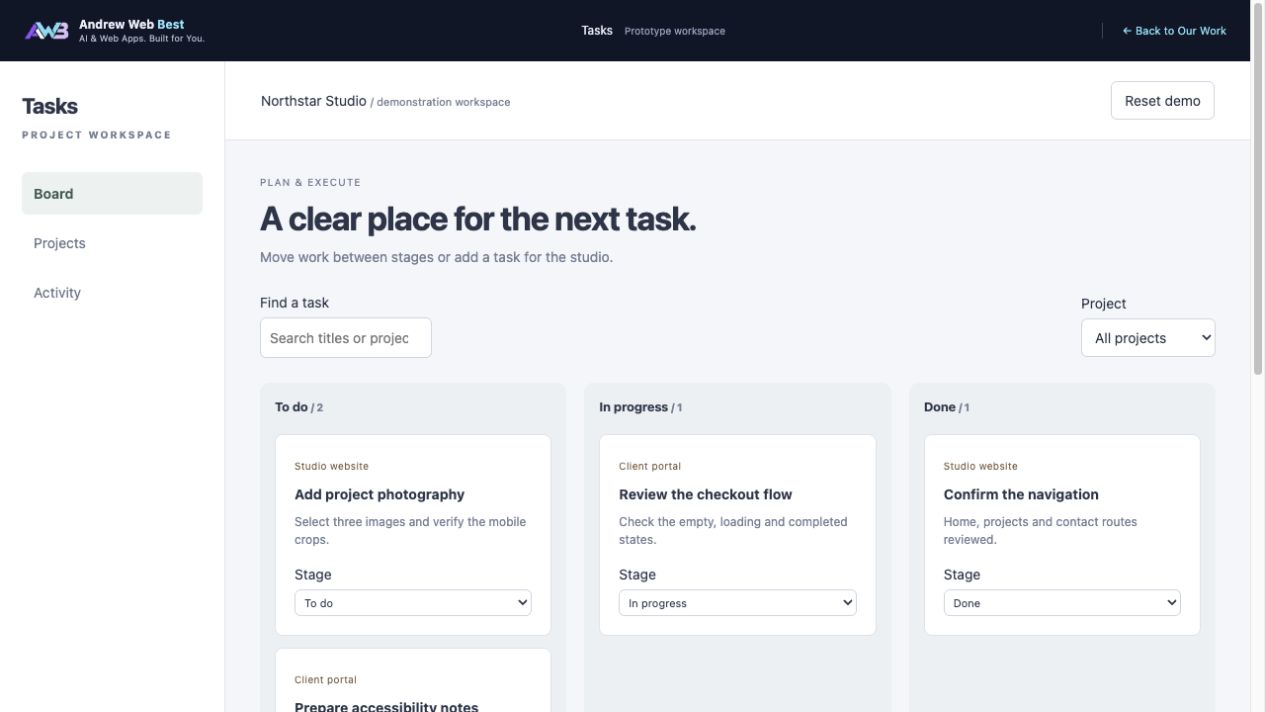
Tasks
Create tasks, move them through the board and inspect project progress. Adapted from Ideas.
Explore the app ↗SMM Manager
Plan a campaign, edit platform posts, complete tasks and review fictional results in a working social media workspace.
Explore the app ↗A place for everything.
Inventory Manager
Manage stock, inspect products and try a voice workflow that matches items, validates changes and updates a fictional inventory.
Explore the app ↗Accountable equipment
Equipment kept for a task needs a responsible person, a location and a useful service note. A first inventory flow can register an item, assign it and record its return. The brief should decide when the item must be inspected and who may clear that hold.
Read the inventory application brief ↗A few practical answers.
How do we start a web app development project in Rolling Hills?
Send a short brief through the contact form. The selected city and service are included automatically. We then review the task, relevant materials, users, and any required system access before agreeing scope.
Can we review the work remotely?
Yes. A shared prototype and online conversations let you inspect the work as it develops. Any in-person meeting or site visit is agreed individually; the city pages describe our service area, not separate offices.
What does the project cost?
We quote after reviewing the agreed scope, integrations, content, and handover requirements. Prices inside the example websites are fictional demo content and are not our development rates. Ongoing hosting and provider costs are discussed separately.
Another direction to explore.
What would help
your business?
Tell us the task, the people using it, and what needs to connect.