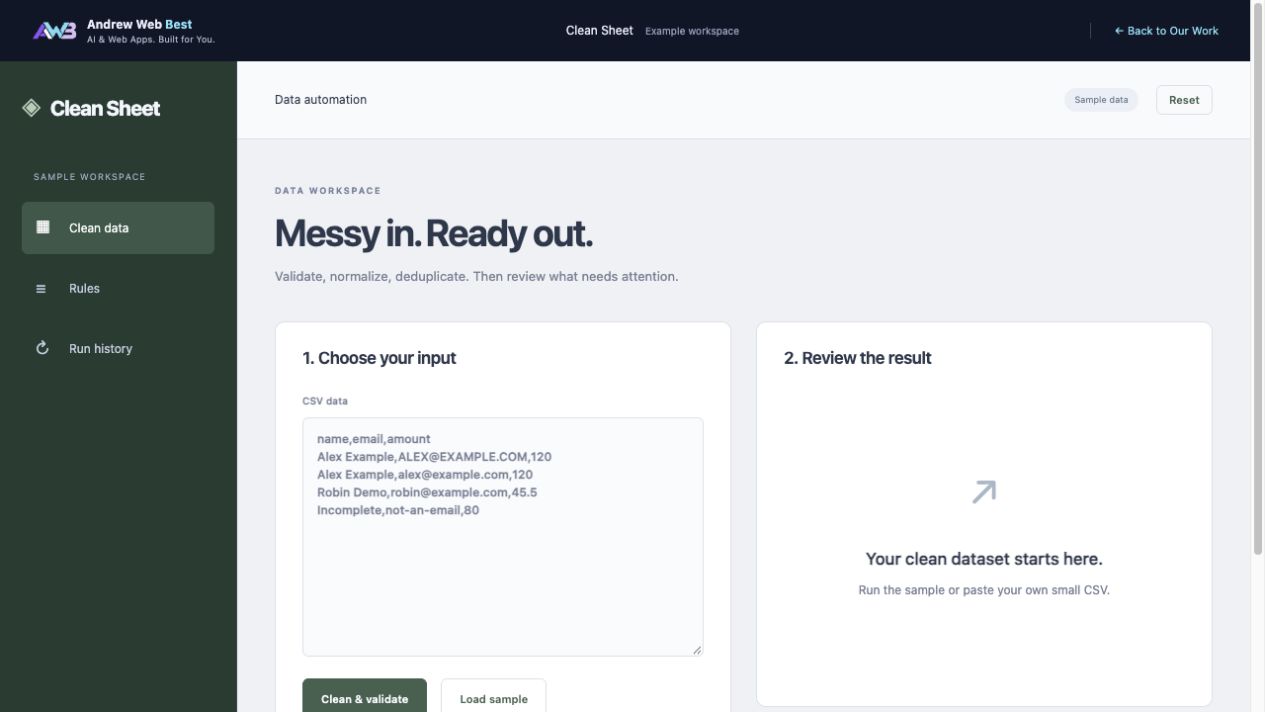
A visible routing decision
Classify a request using the sample keyword rules and inspect the chosen topic and priority.
Turn an incoming request into a useful next step.
Inbox Flow demonstrates an inquiry pipeline: receive a request, classify its topic, create a follow-up task and prepare a reply that a person can review.
Interactive sample · Fictional data · Demo limits explained below
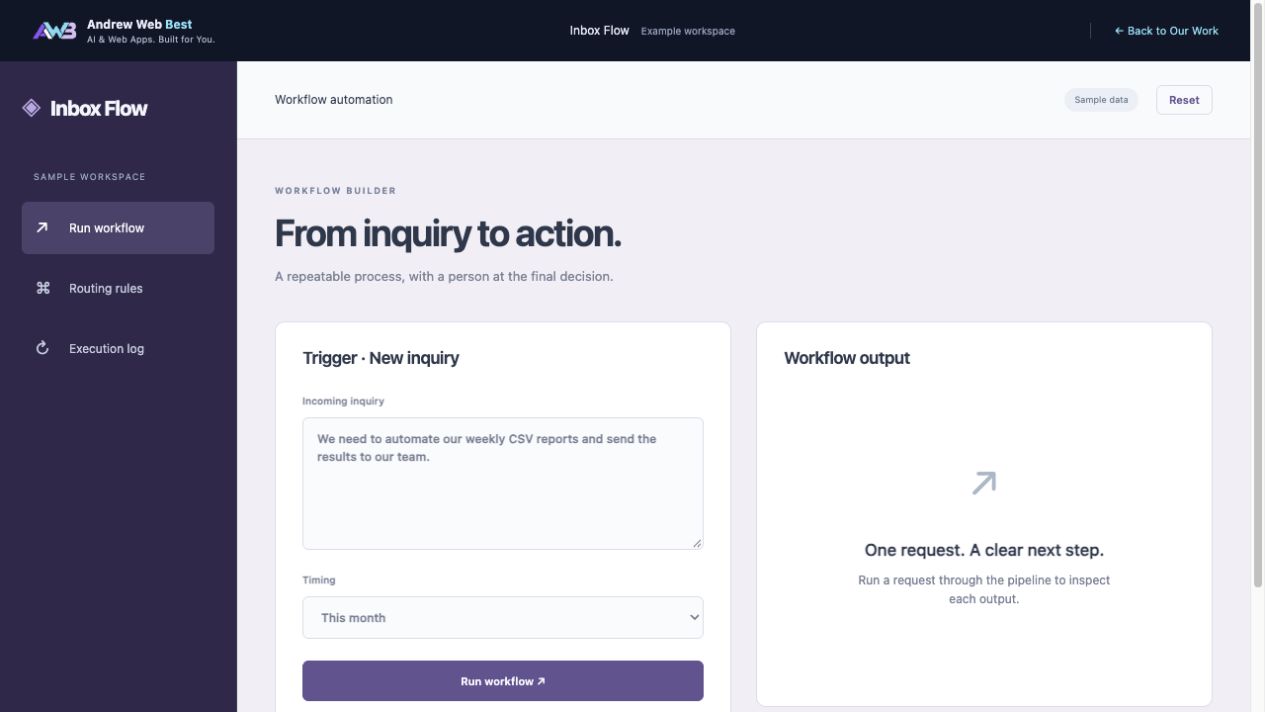
Incoming inquiries can sit between an inbox and the work the team needs to do. This concept makes the handoff visible, including classification, timing, a suggested task and an editable reply.
Small teams handling project inquiries, internal requests or repeatable intake workflows.
Inspect the decision rules and follow the output through human review.
Classify a request using the sample keyword rules and inspect the chosen topic and priority.
Prepare a sample task and editable reply draft without copying the request between screens.
Approve the sample draft and inspect the execution log for the current visit.
Describe a sample task and its timing.
Inspect the classification and follow-up task.
Edit the suggested reply before approving it.
See the sample run and review decision.
Start with these tasks. You can explore the application at your own pace.
Run the prefilled automation inquiry.
Try an inventory app request with This week selected.
Edit the reply, approve it and inspect the execution history.
Share the intake source, routing rules, approval requirements and systems the real workflow should update. Contact us to discuss the scope and arrange a demonstration for your workflow.
Explore 40 service areas and their project briefs. Work is delivered remotely; in-person meetings are agreed individually.